
New to Greptile? Start with the Quickstart to set up your first review.
The Review Process
When you open a PR, Greptile:- Detects the PR and starts analyzing (you’ll see 👀)
- Builds context from your entire codebase, not just the diff
- Posts feedback as a PR summary + inline comments (you’ll see 👍)
- Analyzing
- Complete
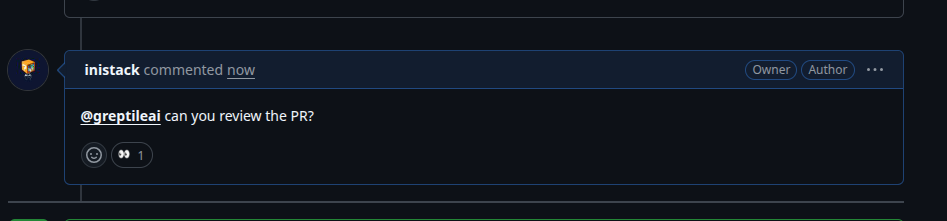
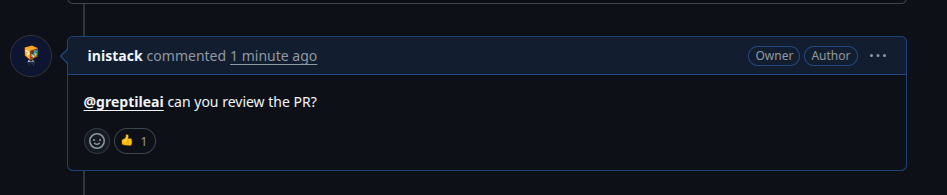
| Status | Emoji | Typical Duration |
|---|---|---|
| Analyzing | 👀 | ~3 minutes |
| Complete | 👍 | - |
| Failed | 😕 | Tag @greptileai to retry |
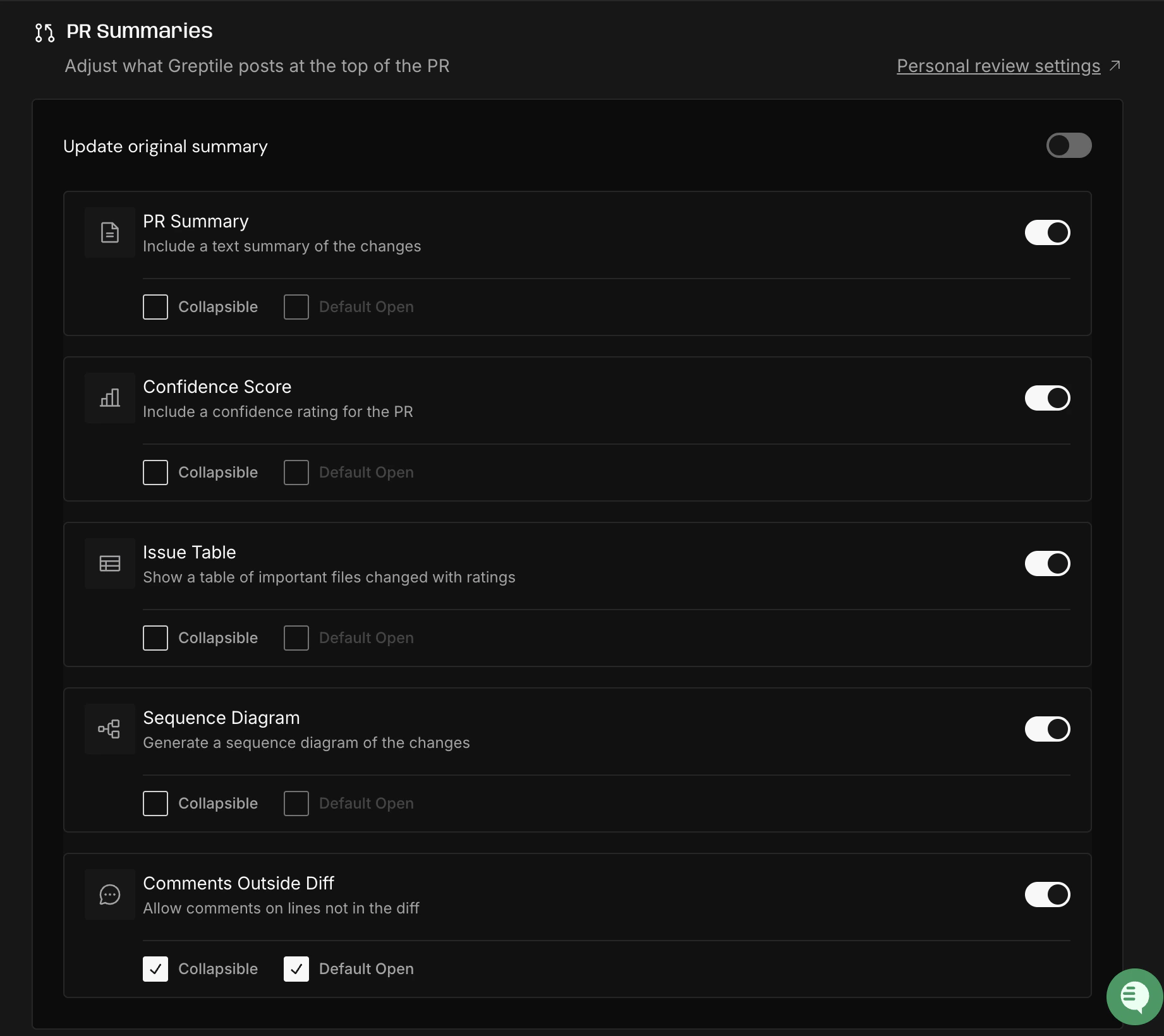
PR Summary
The PR summary is a top-level comment that gives you the big picture.Components
Summary
Plain-language explanation of what the PR does, who it affects, and why. Includes major improvements and any issues found.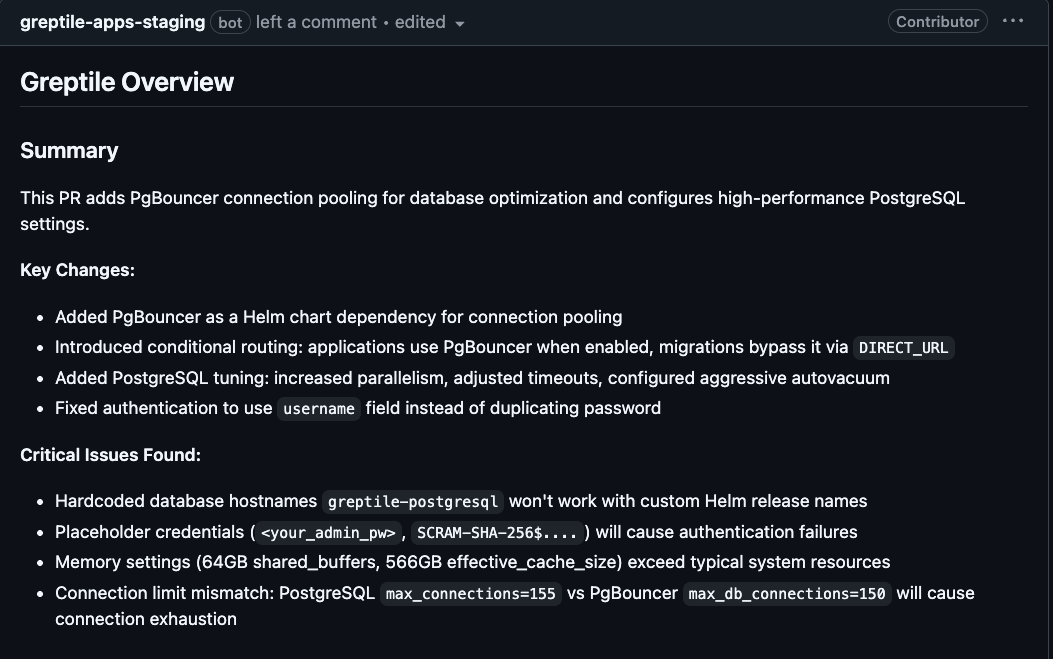
Confidence Score
A 0-5 rating that tells you at a glance whether the PR is ready to merge. Greptile calculates this based on the severity and quantity of issues found, the complexity of changes, and how well the code aligns with your codebase patterns.| Score | Meaning | Action |
|---|---|---|
| 5/5 | Production ready | Merge |
| 4/5 | Minor polish needed | Merge after small fixes |
| 3/5 | Implementation issues | Address feedback first |
| 2/5 | Significant bugs | Needs rework |
| 0-1/5 | Critical problems | Major rethink needed |
Scores are contextual. A 3/5 on a payments feature is more serious than a 3/5 on an internal script.
Files Changed & Issues
File-by-file breakdown showing what changed and issues found per file.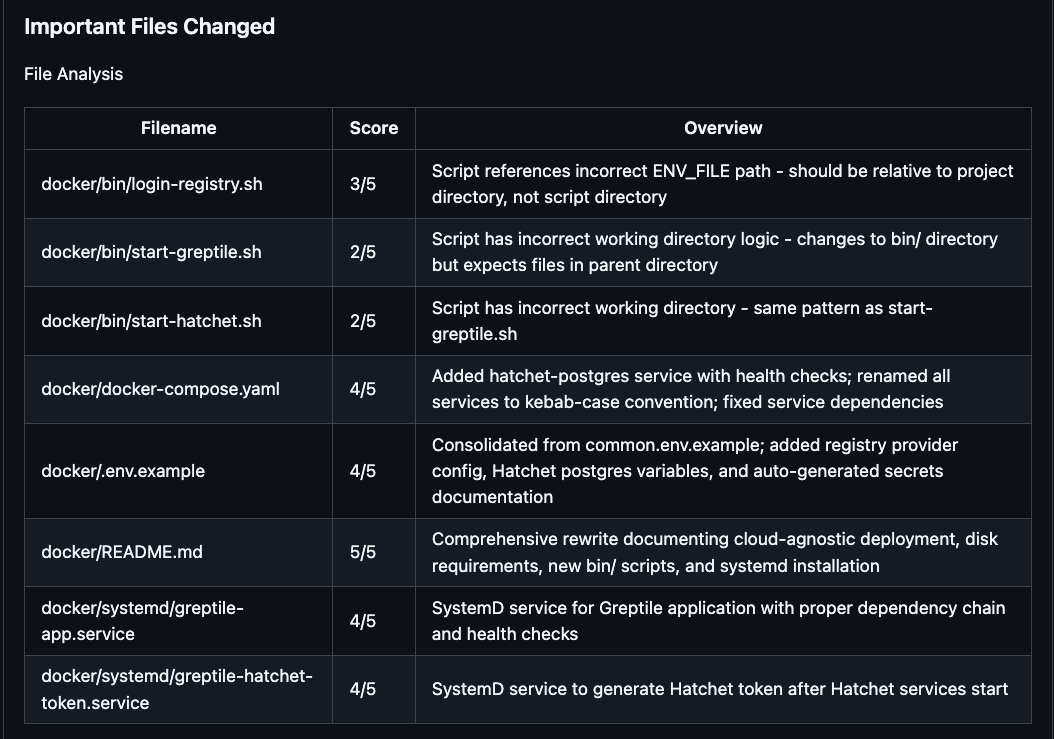
Diagrams
Greptile automatically generates a diagram to visualize the changes in your PR. The diagram type is selected based on what changed:| Type | When Generated |
|---|---|
| Sequence | Multi-service interactions, API flows |
| Entity Relation | Schema or data model changes |
| Class | Class hierarchy changes |
| Flow | Control flow or business logic changes |
Review Footer
The footer of the PR summary shows review metadata and actions:
| Element | Description |
|---|---|
| Review counter | Shows how many times Greptile has reviewed this PR (e.g. “Reviews (2)“) |
| Last reviewed commit | Links to the most recent commit that was reviewed, with a longer commit message preview |
| Re-trigger Greptile | Click to manually re-run a review on the current PR state |
Inline Comments
Greptile posts comments directly on specific lines where it finds issues.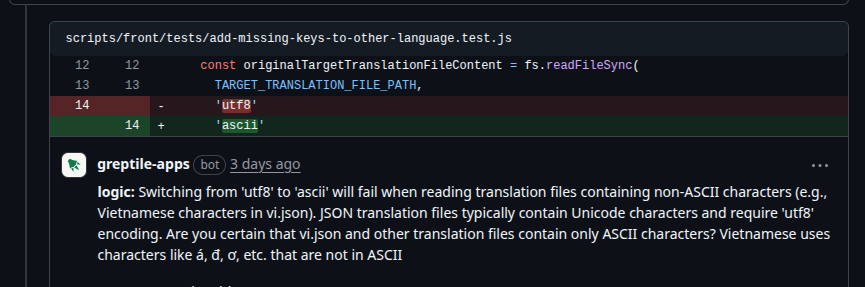
Severity Badges
Each inline comment includes a severity badge indicating its priority: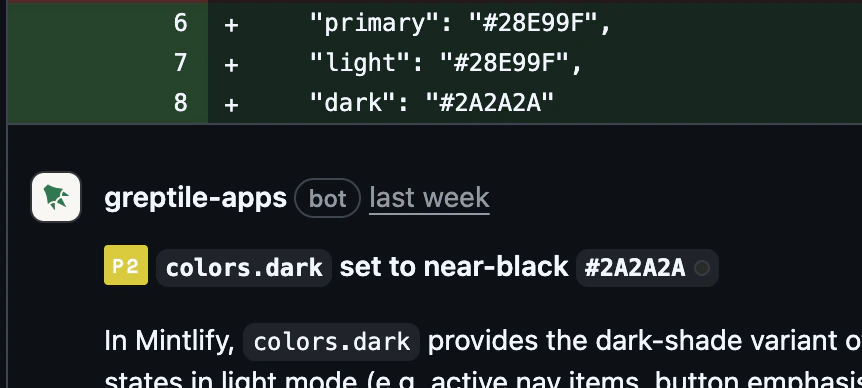
| Badge | Severity | Description |
|---|---|---|
| P0 | Critical | Must fix before merging — security vulnerabilities, data loss, crashes |
| P1 | High | Should fix — bugs, incorrect behavior, edge cases |
| P2 | Medium | Consider fixing — code quality, maintainability, best practices |
Comment Types
| Type | What it catches | Examples |
|---|---|---|
| Logic | Bugs, incorrect behavior, edge cases | Null pointer, race condition, wrong return value |
| Syntax | Code that won’t compile/run | Missing import, typo, invalid syntax |
| Style | Code quality, best practices | Naming conventions, dead code, complexity |
greptile.json.
Suggested Fixes
Most comments include a code suggestion you can apply:Troubleshooting
Review didn't appear
Review didn't appear
Check:
- Repository enabled in dashboard
- Not a draft PR (skipped by default)
- Branch not excluded by filters
- Indexing complete (first time: ~1-2 hours)
@greptileai to trigger manuallyWhat’s Next
Now that you understand what a review looks like, learn how to interact with Greptile:Developer Essentials
Reactions, follow-ups, training, and daily workflows
Control Nitpickiness
Fine-tune what Greptile flags
Auto-fix in IDE
Apply fixes without leaving your editor
Custom Standards
Enforce your team’s rules